Examples of summative and formative assessment supported by artificial intelligence tools and systems

4. Example of Copilot application in education (summative assessment)
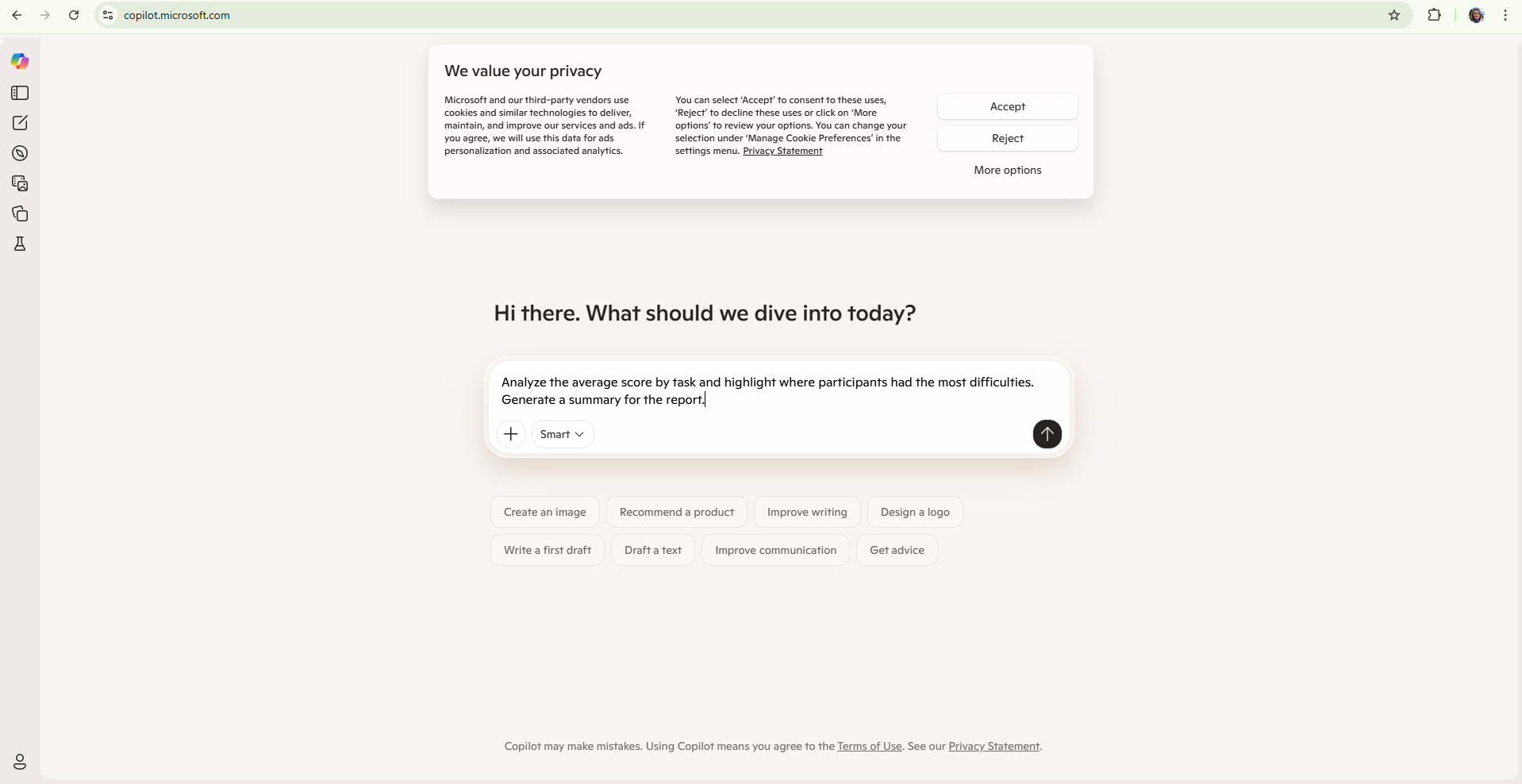
An instructor has an Excel spreadsheet with student exam results, showing grades from 1 to 5 for each task. The goal is to quickly analyse student performance and create a summary report.

First, the instructor opens the Excel file and launches Copilot (if using Microsoft 365, by clicking the Copilot icon). Then enters the query (image):

"Analyse the average grade by task and highlight where students had the most difficulty. Generate a summary for the report."

Copilot automatically responds:

"The average grade by task is:
Task 1: 4.3
Task 2: 3.8
Task 3: 2.9
Task 4: 3.7
The largest number of students (60%) had problems with Task 3, which required analytical thinking and argumentation."

It also suggests a summary for the report:

"Analysis of the exam results shows that participants are most successful in fact-based questions, while they are weaker in tasks that require deeper analysis. Additional work is needed to develop analytical skills through formative activities."

This application of Copilot enables the instructor to quickly and efficiently process data, save time, and generate reports that can be directly used in pedagogical documentation or for further lesson planning.

Figure. Microsoft Copilot's initial interface for generating content using artificial intelligence

 
Accessibility

Background Colour Background Colour

Font Face Font Face

Font Size Font Size

1

Text Colour Text Colour

Font Kerning Font Kerning

Image Visibility Image Visibility

Letter Spacing Letter Spacing

0

Line Height Line Height

1.2

Link Highlight Link Highlight