Guidelines for Ensuring Digital Accessibility
3. Perceivable
Information must be presented so that all users can perceive it. This includes providing text alternatives for non-text content, creating content that can be presented in different ways without losing information (such as a simpler layout), and making it easier for users to see and hear the content.
Example: Alternative text for images
A simple yet highly effective way to make digital content perceivable is to include alternative text (alt-text) for all image content. Alt-text is a written description of the image that screen readers can read, allowing visually impaired users, for example, to understand what the image depicts.
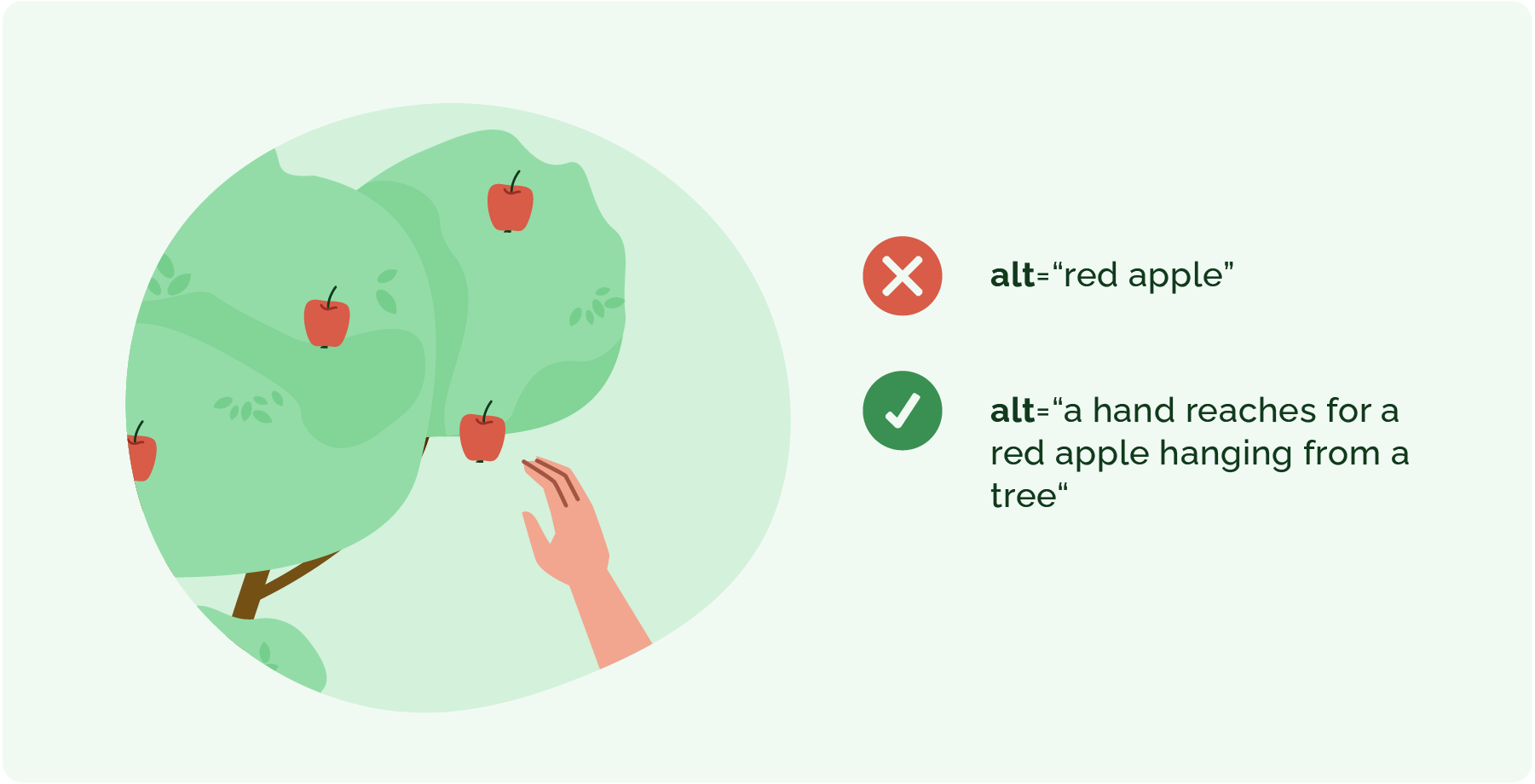
Figure 29. Example of Alternative Text
Background Colour
Font Face
Font Size
Text Colour
Font Kerning
Image Visibility
Letter Spacing
Line Height
Link Highlight
Paragraph Width
Text Alignment