Guidelines for Ensuring Digital Accessibility
| Site: | Loomen za stručna usavršavanja |
| Course: | Ensuring Inclusive Access Through the Use of Assistive Technology |
| Book: | Guidelines for Ensuring Digital Accessibility |
| Printed by: | Gost (anonimni korisnik) |
| Date: | Monday, 2 November 2026, 4:38 PM |
1. Digital Accessibility
Digital accessibility refers to the accessibility of web-based content and applications, native applications for mobile devices and desktop computers, electronic books, content in learning management systems, and other digital content, ensuring that all users can access, use, and understand them, regardless of temporary or permanent visual, auditory, motor, or cognitive difficulties.
Digital accessibility is based on four fundamental principles, requiring that all users, regardless of their abilities, can:
- Perceive information and user interface components
- Operate the user interface
- Understand information and how the user interface works
- Access content regardless of the technology used.
People with disabilities use various forms of assistive technology, such as screen readers, speech synthesizers, software for enlarging content on a computer screen, or specially designed keyboards or computer access devices. If digital material is not accessible, these devices cannot recognise it.
2. Digitally Accessible Content
The following link is available in Croatian only. Participants may use free AI-powered translation tools to access the provided materials.
The CARNET Guidelines for Ensuring Digital Accessibility (CARNET, 2025) set out the requirements that digital content must meet to be accessible. When planning the development of accessible digital content, it is necessary to consider factors that interact and enable the creation of an environment that is both accessible and easy to use.
The Web Content Accessibility Guidelines (WCAG) are a globally recognised framework for improving digital accessibility for persons with disabilities. WCAG 2.2 is the latest accessibility standard introduced by the W3C (World Wide Web Consortium). The W3C, founded in 1994, aims to further develop the World Wide Web and establish regulations and standards for its standardisation. The W3C's vision is based on two main principles: Web for All and Web on Everything (Vučak et al., 2013).
WCAG 2.2 provides guidelines for improving the usability of website content and ensuring its accessibility for persons with disabilities. WCAG defines three conformance levels for assessing digital accessibility (A, AA, and AAA). Each level builds on the previous one, with different criteria to be met.
At the core of WCAG are four fundamental principles of accessibility (the English acronym POUR):
- Perceivable
- Operable
- Understandable
- Robust.
These describe the essential qualities that web content must have to be considered accessible, and they are the key components of a strategy that can lead to more innovative, empathetic, and successful digital content.
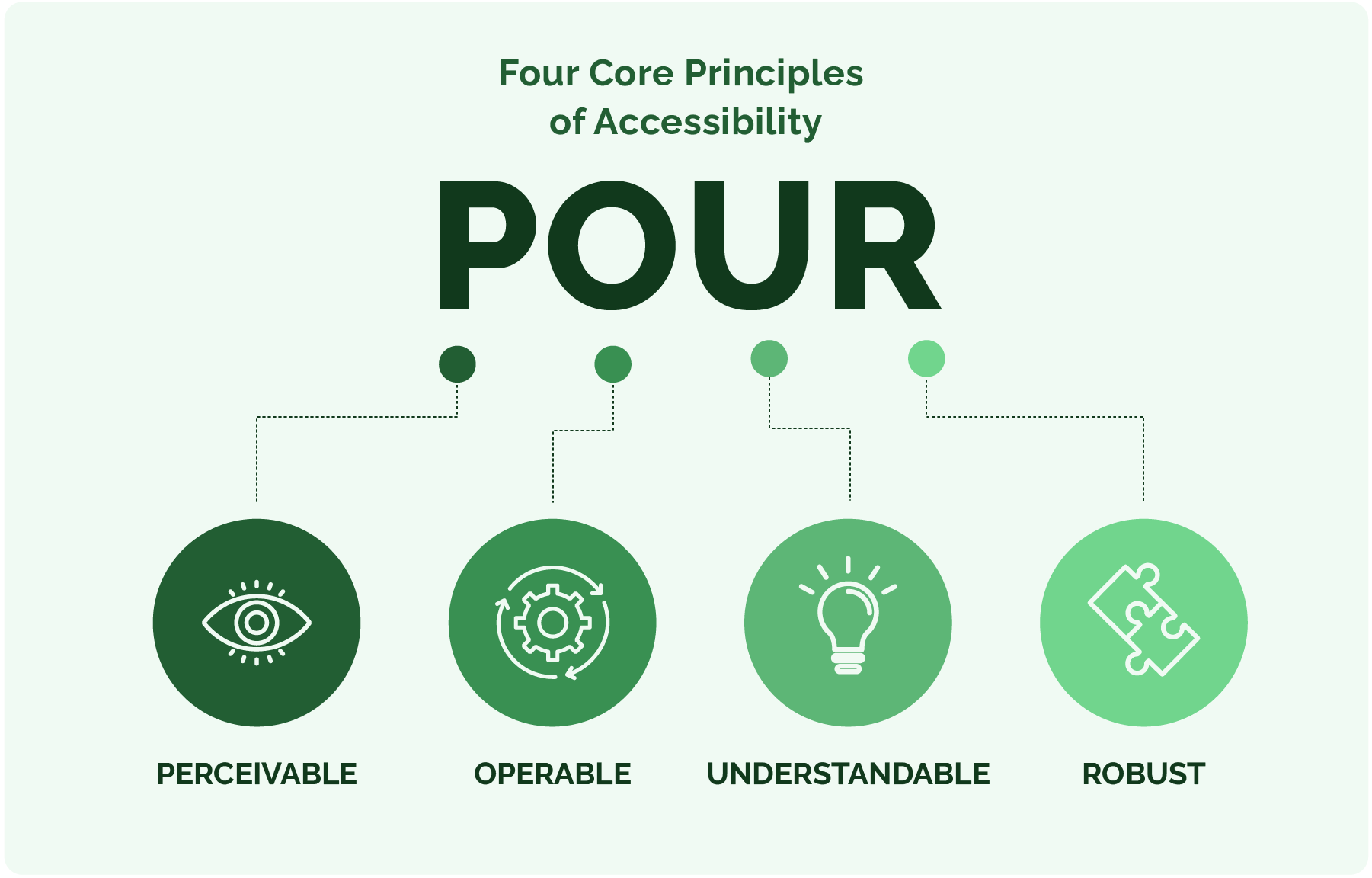
Figure 28. Four Fundamental Principles of Accessibility
3. Perceivable
Information must be presented so that all users can perceive it. This includes providing text alternatives for non-text content, creating content that can be presented in different ways without losing information (such as a simpler layout), and making it easier for users to see and hear the content.
Example: Alternative text for images
A simple yet highly effective way to make digital content perceivable is to include alternative text (alt-text) for all image content. Alt-text is a written description of the image that screen readers can read, allowing visually impaired users, for example, to understand what the image depicts.
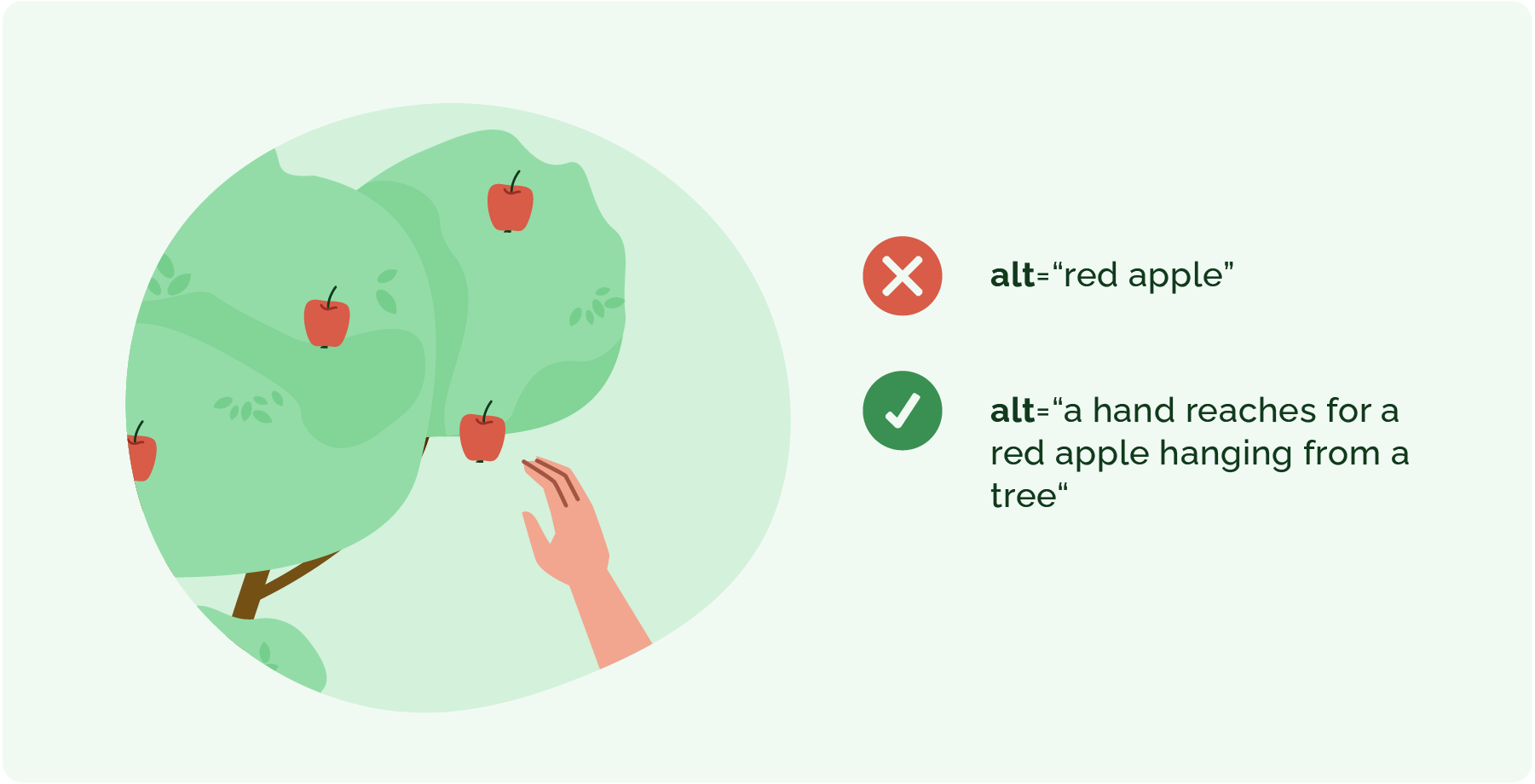
Figure 29. Example of Alternative Text
4. Operable
User interface elements must be operable in all interaction modes. Integrating keyboard accessibility and ensuring that time limits are adjustable for all users can reduce frustration and prevent non-use of the application.
Example: Keyboarding
Ensuring that all functions of a digital product are operable via the keyboard is crucial for users who cannot use a mouse. This includes the ability to navigate menus, activate buttons, and complete forms using only keyboard shortcuts.
For example, a video streaming service could implement keyboard controls for playing, pausing, fast-forwarding, and rewinding the video. This would make the service more accessible to users with motor disabilities.
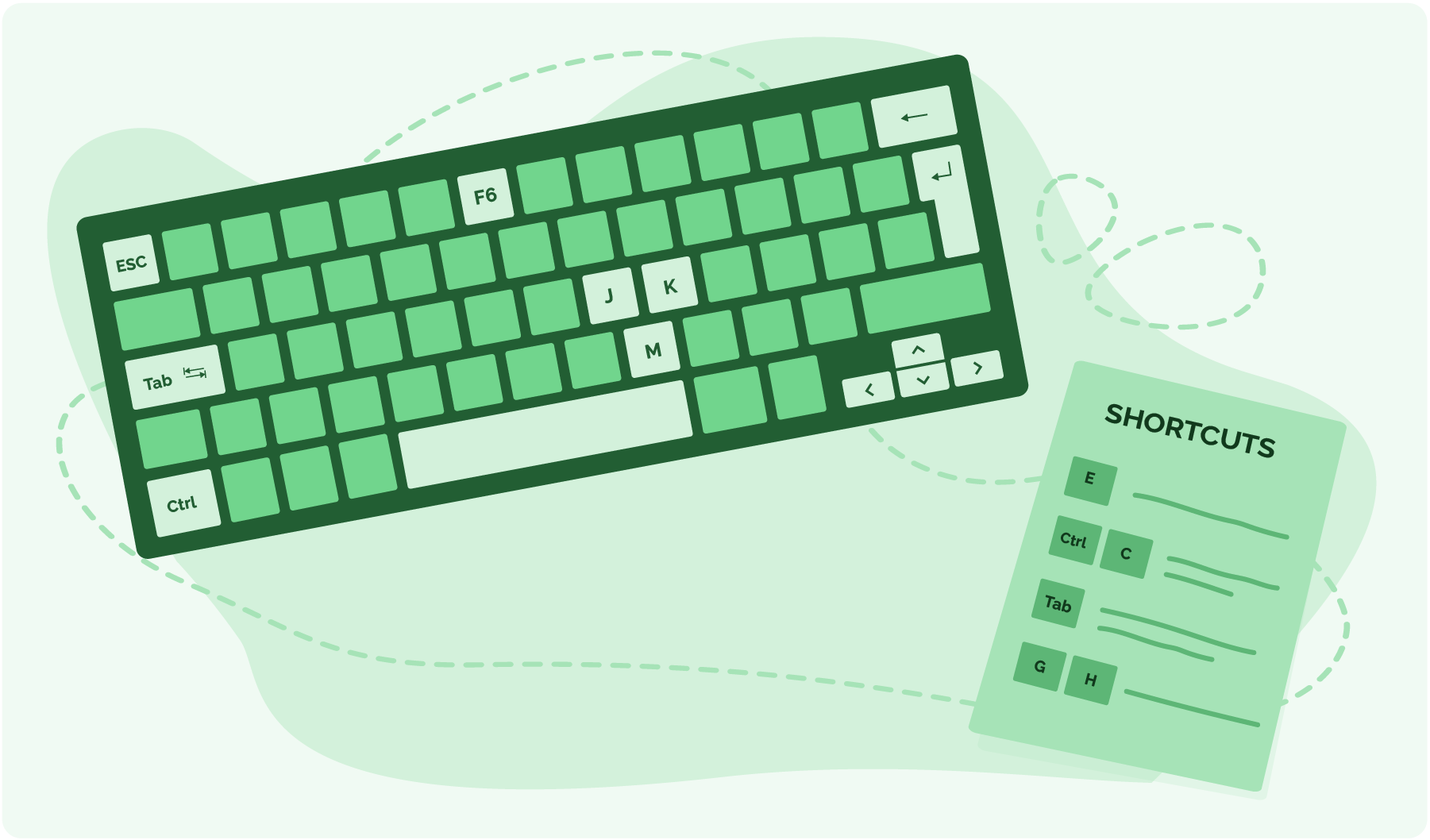
Figure 30. Using keyboard shortcuts to navigate digital content
5. Understandable
Maintain the interface so that it remains intuitive and predictable, enabling all users to navigate digital content more effectively.
This principle emphasises the need for clear language and consistent design.
Example: Consistent navigation
Maintaining consistent navigation in digital content helps users understand how to use the application and what to expect as they interact with different parts of the website or application.
For example, a digital banking application may have a specific interface on the home screen for navigating between accounts. This structure should remain consistent across both mobile and desktop versions. Consistency in interface design helps users with cognitive disabilities understand the functionality more quickly and reduces confusion for all users.

Figure 31. Example of poor design – components serve the same purpose but are not labelled consistently.
(Source)

Figure 32. Example of good design – components serve the same purpose and are labelled consistently.
(Source)
6. Robust
Compatibility with a range of devices and assistive technologies.
A compatible design ensures that digital content remains usable as technology evolves.
Example: Compatibility with assistive technology
Ensuring that digital content works effectively with various assistive technologies, such as screen readers, voice recognition software, and specialised input devices.
Example: Using standard HTML5 elements for the basic structure of web pages, which are supported by a wide range of assistive devices.
For example, a news website must have structured articles with appropriate heading tags (H1, H2, H3) and semantic HTML. This assists users who use screen readers and ensures that the content remains accessible as new technologies emerge (Bajaj, 2024).
7. Questions for Self-Assessment and Reflection
- What does the acronym POUR stand for?
8. References
CARNET (2025). Guidelines for Ensuring Digital Accessibility / Smjernice za osiguravanje digitalne pristupačnosti
Vučak, I., Vuković, M., & Car, Ž. (2013). Accessibility Analysis of Selected Website Outlines of the WWW.HR Catalog / Analiza pristupačnosti odabranih sjedišta weba kataloga WWW.HR Proceedings of CUC 2012 – Faster (to communicate), higher (to learn), stronger (to connect)!. Zagreb: Croatian Academic and Research Network – CARNET
Bajaj, S. (2024) Inclusive by Design: Accessibility in Digital Products.
Background Colour
Font Face
Font Size
Text Colour
Font Kerning
Image Visibility
Letter Spacing
Line Height
Link Highlight
Paragraph Width
Text Alignment