2. Digital resources and tools in Moodle
Moodle, as a learning management system (Learning Management System – LMS), includes a wide range of built-in functionalities that support different types of learning and modes of delivery, from asynchronous to synchronous and interactive learning. When translating your course learning design into Moodle, you have already used some of the resources listed here, but we hope you will also discover those you have not used before.
The basic resources and activities in Moodle include:
- File and folder
- Page and book
- Quiz
- Assignment
- Forum and chat
- Lesson
- Workshop
- Database
- Glossary
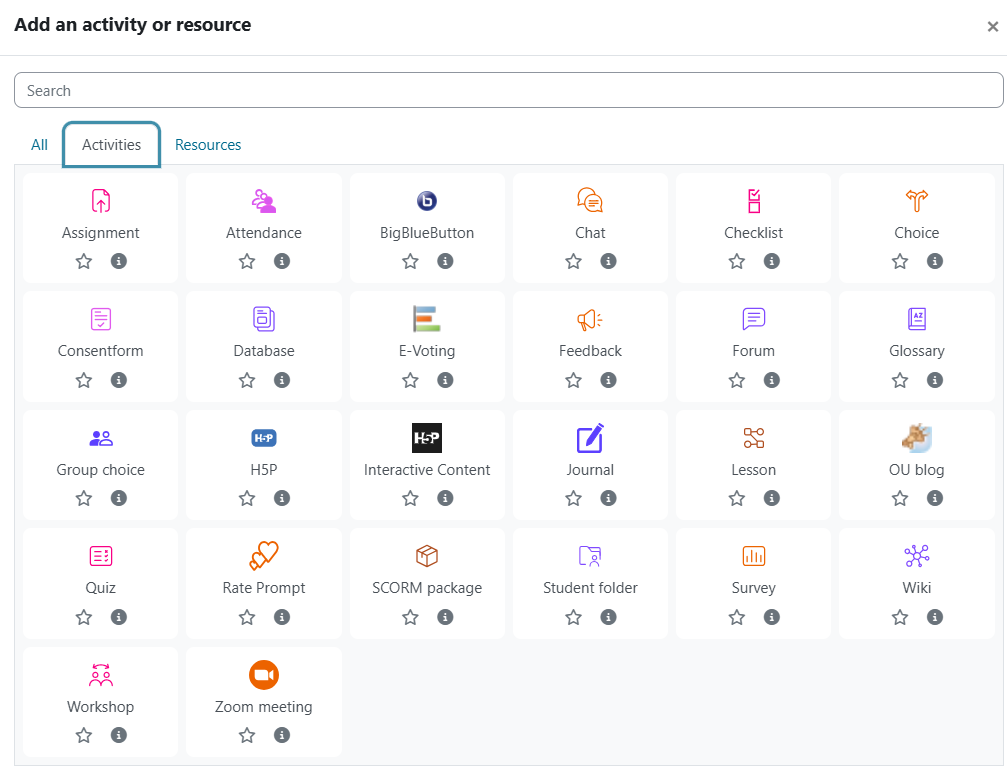
Figure 8. Activities in Moodle
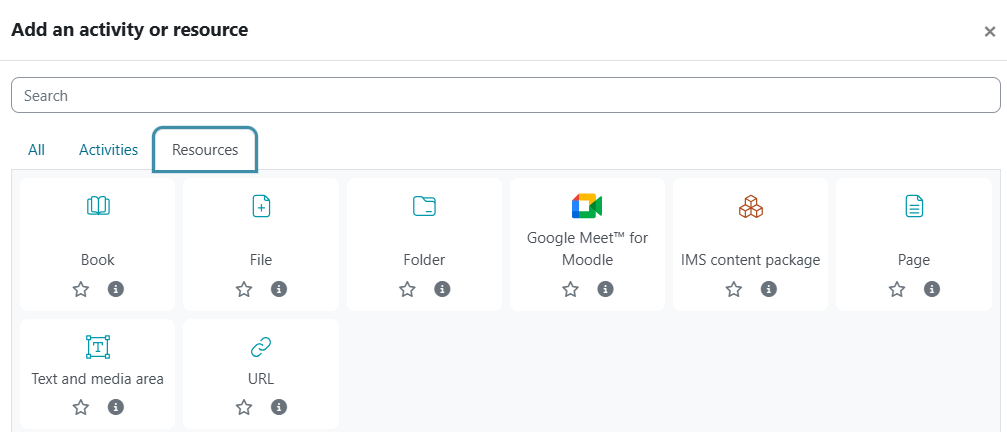
Figure 12. Resources in Moodle
More information about resources and activities in Moodle can be found in the guide in English and in the version in Croatian.
Examples of using resources and activities in Moodle:
- A forum for guided discussions involving students and instructors, or a forum for student teams working on the same project
- A quiz for checking understanding of basic concepts, used as an element of formative assessment with automatic feedback
- An assignment for reflective tasks such as essays and research reviews, assessed based on defined criteria
- A workshop for assessment, self-assessment, and peer assessment of complex tasks such as project outcomes, evaluated using a rubric
Background Colour
Font Face
Font Size
Text Colour
Font Kerning
Image Visibility
Letter Spacing
Line Height
Link Highlight
Paragraph Width
Text Alignment