3. Key Principles of Multimedia Learning
Table 1. Key Principles of Multimedia Learning
|
Multimedia Learning Principle |
Explanation |
Example of Application in Digital Tools |
|---|---|---|
|
Redundancy |
Avoiding the simultaneous presentation of identical content through multiple media to reduce cognitive overload. |
In presentations (Canva or PowerPoint), use short bullet points on slides while providing detailed explanations verbally. In H5P interactive presentations, avoid presenting the same information through parallel audio narration and text descriptions. In Moovly or PowToon animations, use brief on-screen text cues and provide more detailed explanations through audio narration. |
|
Segmentation |
Breaking down complex content into smaller, logically connected units to enable easier processing and understanding. |
Recording several short video clips in Loom instead of one long video lecture. Dividing complex explanations into multiple simpler, clearly structured slides in Genially. In Edpuzzle, inserting short pauses with questions or notes to allow learners time to process information before continuing. |
|
Pacing (Learner Control) |
Allowing students to control the pace of learning according to their abilities and prior knowledge |
H5P interactive video enables pausing, skipping, and rewatching specific sections of the content. Canva presentations allow students to move through slides independently, without automatic animations. H5P Course Presentation allows learners to browse slides individually, pause on specific parts of the content, and revisit previous learning steps. |
|
Cognitive Load |
Removing unnecessary information that is not aligned with learning outcomes in order to reduce the burden on working memory |
In Genially or Powtoon, use simple animations without excessive visual effects. In ThingLink, limit the number of hotspots to essential information so the visual layout remains clear and easy to understand. In BookWidgets quizzes, use consistent design and visual templates without unnecessary decorative elements. |
|
Modality |
Combining visual representations (images, diagrams) with spoken explanations instead of adding written text, to avoid overloading the visual channel |
In Edpuzzle, add voice-over comments to clarify key parts of the video instead of inserting additional text on the screen. In Loom, present diagrams or processes visually while providing spoken explanations without duplicating the same information in text form. In ThingLink, allow users to open audio hotspots with explanations of the functions of displayed elements, without cluttering the screen with text. |
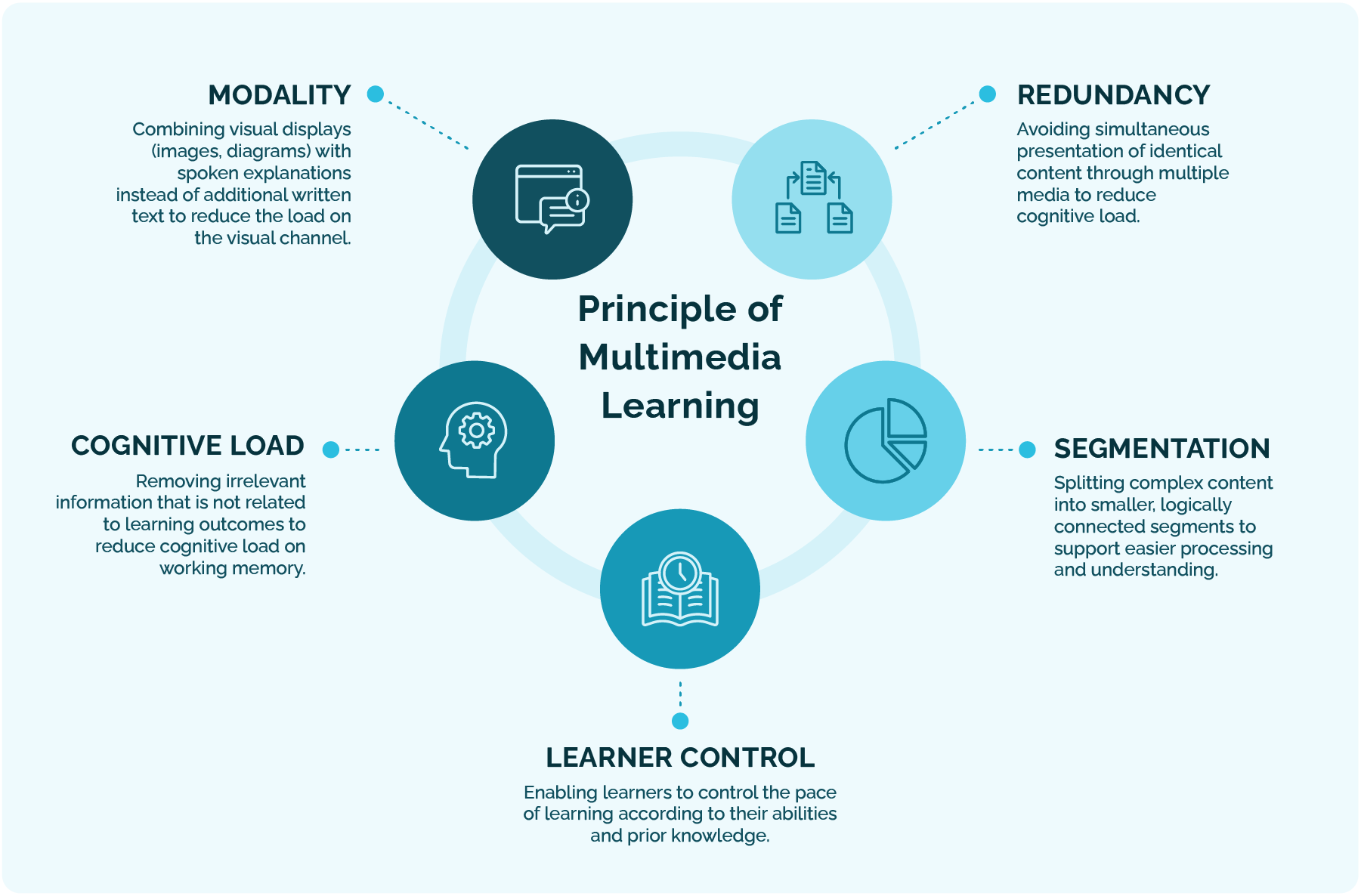
Figure 2: Principles of Multimedia Learning
Background Colour
Font Face
Font Size
Text Colour
Font Kerning
Image Visibility
Letter Spacing
Line Height
Link Highlight
Paragraph Width
Text Alignment