4. Operable
User interface elements must be operable in all interaction modes. Integrating keyboard accessibility and ensuring that time limits are adjustable for all users can reduce frustration and prevent non-use of the application.
Example: Keyboarding
Ensuring that all functions of a digital product are operable via the keyboard is crucial for users who cannot use a mouse. This includes the ability to navigate menus, activate buttons, and complete forms using only keyboard shortcuts.
For example, a video streaming service could implement keyboard controls for playing, pausing, fast-forwarding, and rewinding the video. This would make the service more accessible to users with motor disabilities.
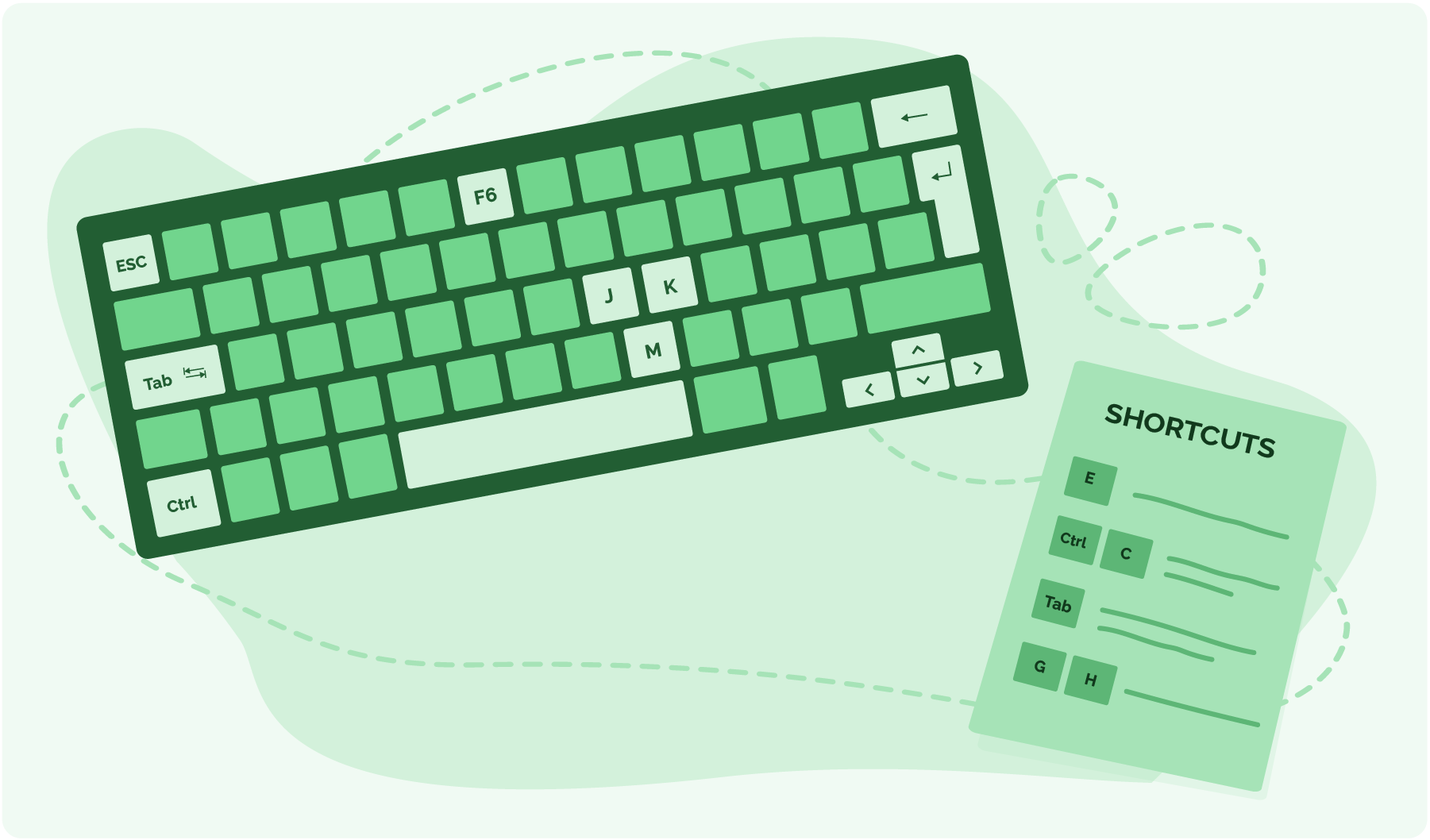
Figure 30. Using keyboard shortcuts to navigate digital content
Background Colour
Font Face
Font Size
Text Colour
Font Kerning
Image Visibility
Letter Spacing
Line Height
Link Highlight
Paragraph Width
Text Alignment